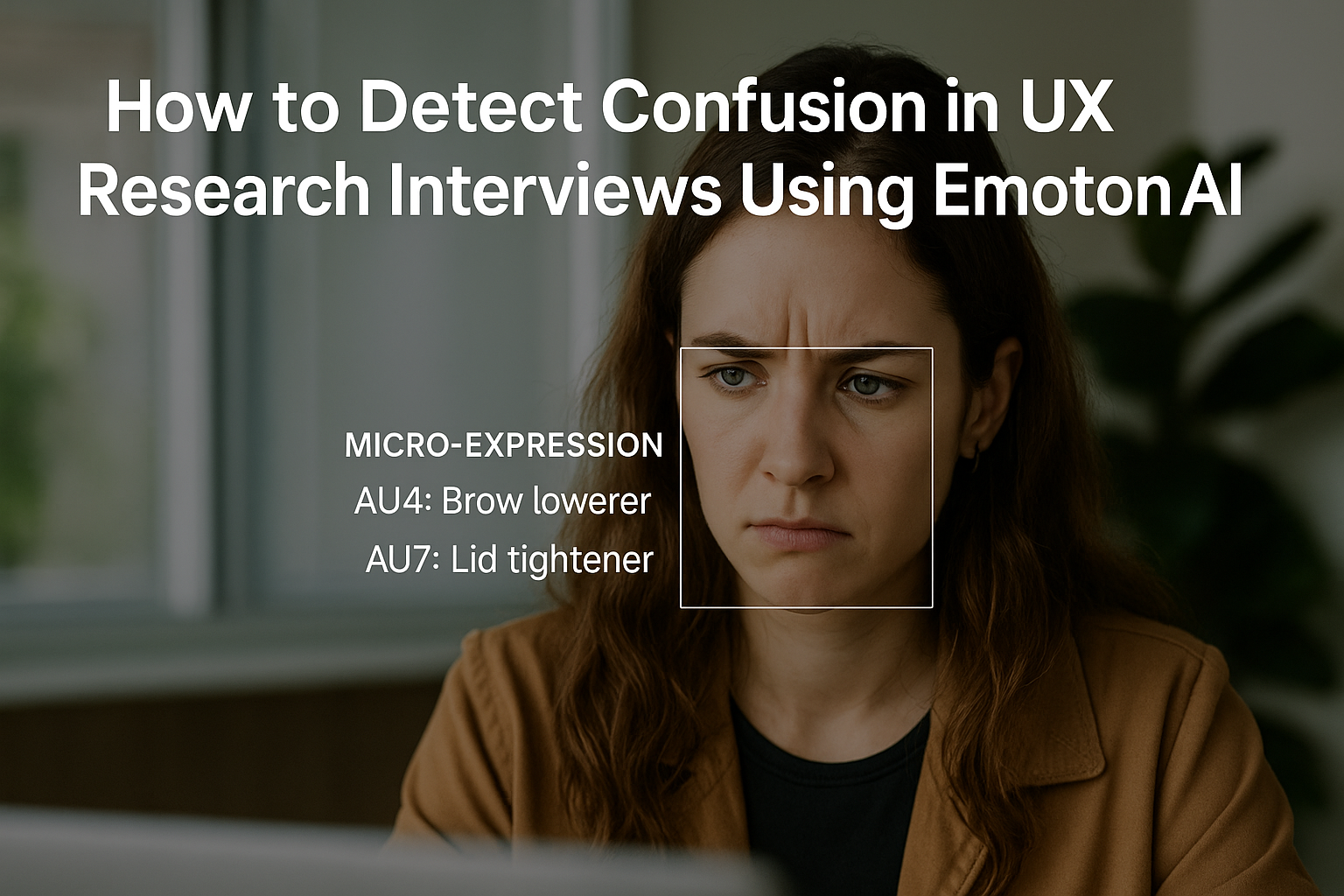
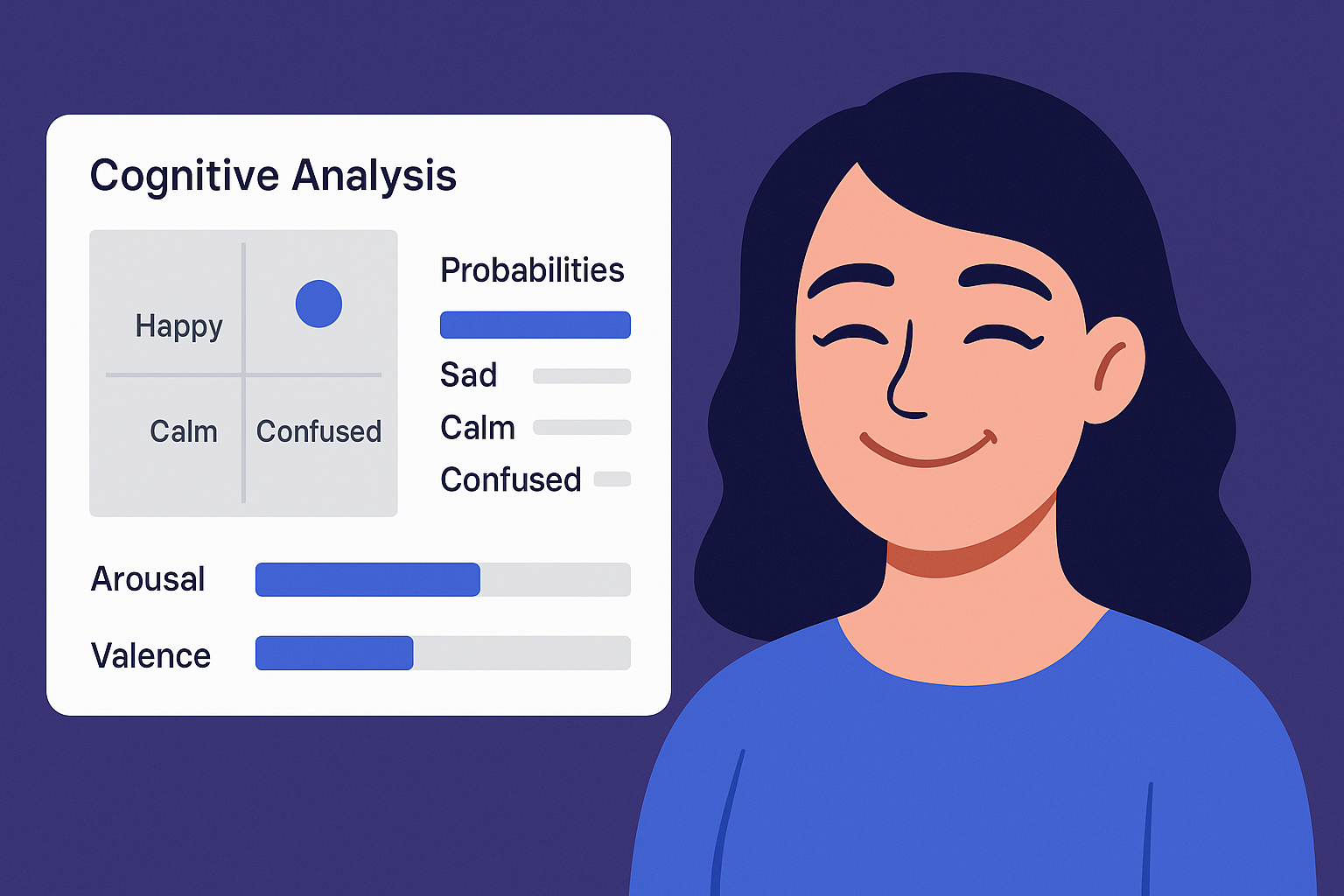
Understanding Emotions in the Age of Virtual Meetings
Whether you’re running a user interview, an online class, or a remote team check-in, reading the room has become harder than ever. Facial expressions, attention levels, and emotional reactions are often lost in translation on video calls.
But what if there were a way to bring emotional intelligence back into digital conversations?
Why Emotional Engagement Matters
In virtual environments, participants may seem fine, but are they really engaged? Are they confused, tired, or frustrated?
For professionals in UX research, online education, and recruitment, these signals are essential:
UX researchers need to know when users hesitate or feel lost.
Educators want to see who’s focused and who’s falling behind.
Interviewers must gauge candidate confidence and comfort
The Challenge with Google Meet
Google Meet is fast and lightweight, but it doesn’t provide any feedback about user behavior or engagement. You’re left guessing based on smiles or silence.
And traditional emotion detection tools? They often require cloud processing, invasive permissions, or expensive integrations.
That’s where EmotionSense Pro comes in.
Meet EmotionSense Pro – AI-Powered Emotion & Cognitive State Detection
EmotionSense Pro is a Chrome Extension designed to add real-time emotional intelligence to 1:1 Google Meet calls. It works right inside your browser — no cloud servers, no data sharing.
It analyzes:
Facial expressions (happiness, frustration, neutrality, etc.)
Voice tone and speech stress
Cognitive states like attention, confusion, fatigue, and motivation
Duchenne smiles to detect genuine vs. fake emotion
And it gives you real-time feedback and post-call reports — without recording anything.
Built for Researchers, Teachers, and Remote Professionals
This tool was designed with specific roles in mind:
UX Researchers
Identify moments of friction
Detect cognitive overload or disengagement
Analyze emotional shifts during task flows
Educators
Track fatigue or confusion during long sessions
Get alerts when students need a break
Measure engagement in real time
Recruiters
Sense confidence and hesitation during interviews
Build more empathetic and informed hiring processes
Privacy by Design
Unlike many emotion AI tools, EmotionSense Pro runs entirely in the browser.
No video, no audio, no emotion data leaves your device.
It’s local, secure, and ethical — by design.
Try It Yourself
You can install the extension in seconds and start using it in your next 1:1 Google Meet call:
👉 Install EmotionSense Pro on Chrome
Final Thoughts
In a world where connection is increasingly digital, tools like EmotionSense Pro help us bring empathy and understanding back to the screen. Whether you’re designing better user experiences or helping someone learn more effectively, emotion matters — and now, you can measure it.